
Key takeaways: there are four ways to build a schedule without paying for a license: a spreadsheet, a ready-to-fill schedule template, an online schedule generator, or the free plan of a scheduling tool. They work fine for a small team on a single site with steady demand. None of them forecasts demand or calculates how many people you need per time slot: the manager does that in their head. Moving to a paid solution makes sense when scheduling takes several hours a week, when you have to juggle multiple sites, channels or skills, or when understaffing keeps happening. At that point, the hidden cost of free software often exceeds the cost of a license.
Looking for free scheduling software is often the first step away from a schedule built by hand or scattered across several files. Free options exist and they do real work. They also have clear limits, which show up as soon as the team grows or demand starts to fluctuate. This article reviews the four types of free tools, what each one can do, and the signs that it is time to move to a paid solution.
4 ways to build a schedule for free
"Free scheduling software" covers very different tools, and they do not solve the same problem.
1. Spreadsheets
Excel, Google Sheets or LibreOffice: this is where most teams start. A spreadsheet gives you complete freedom over the layout and is easy to share. The trade-off is that everything is manual: rules, checks, hour totals and updates.
2. Downloadable schedule templates
A template is a spreadsheet that is already set up: a weekly grid, drop-down lists of shifts, sometimes a total of hours per person. It saves time when you set it up, but it keeps every limit of a spreadsheet once you start using it.
3. Online schedule generators
A generator builds a schedule from your teams, employees, working hours and activities, then lets you export it. It is the fastest way to get a clean first schedule without starting from a blank page. m-work offers a free schedule generator that runs online with nothing to install.
4. Free plans of scheduling software
Many vendors offer a free plan or a time-limited trial. Free plans are usually capped: number of users, number of sites, with advanced features reserved for paid tiers. They let you try out an interface, but rarely run a whole operation.
Comparison: what each option actually does
| Criteria | Spreadsheets and templates | Online generator | Free plan of a software tool | Paid scheduling software |
|---|---|---|---|---|
| Getting started | Immediate | A few minutes | Sign-up and setup | Guided rollout |
| Building the schedule | By hand | Assisted | Assisted | Generated from your rules |
| Demand forecasting | No | No | Rarely | Depends on the tool |
| Staffing requirements | Formulas to maintain | No | Rarely | Depends on the tool |
| Multiple sites | One file per site | No | Often capped | Yes |
| Mobile access for staff | Shared file | Export to send out | Often | Yes |
| Best for | Small, stable team | First schedule, testing | Trying out an interface | Teams with variable demand, multi-site operations |
What the free options have in common: they help you write a schedule, not figure out how many people you need, and when. Yet that is where most understaffing and paid idle hours come from.
Where free tools fall short as the team grows
A free tool works as long as scheduling is a formatting exercise. It hits its limits once scheduling becomes a math problem.
- Staffing needs are guessed: without a demand forecast, the manager copies last week's schedule and only discovers peaks when they hit.
- Rules are not enforced: rest periods, part-time contracts, skills and fairness between employees all depend on the vigilance of whoever builds the schedule.
- The file depends on one person: when the person who knows the schedule is out, nobody else can pick it up.
- Changes get lost: a last-minute absence is handled through calls and messages, and no two people ever have the same up-to-date version.
- Multi-site scheduling is manual: one file per site, and no consolidated view for leadership.
Signs it is time to move to a paid solution
The right moment is not about team size, it is about complexity. If two or three of these apply to you, free software is probably costing you more than it saves.
- Scheduling takes more than two hours a week to build and fix.
- Demand swings sharply from one day or time slot to the next, and teams are either swamped or underused.
- You manage multiple sites, channels or skills that have to be combined in the same schedule.
- The rules keep piling up: part-time contracts, staggered shifts, fairness to maintain.
- Understaffing keeps happening and you pay for it in overtime, temp staff or service quality.
The real cost of a free schedule
A free tool has no budget line, but it still has a cost. That cost sits in the time managers spend building and fixing schedules, in hours paid for overstaffing, and in understaffing that drags down service. Our article on scheduling in Excel walks through a method for putting a figure on these costs for your own operation. m-work Planner customers report saving 110 hours per manager per year on building schedules.
What paid scheduling software adds
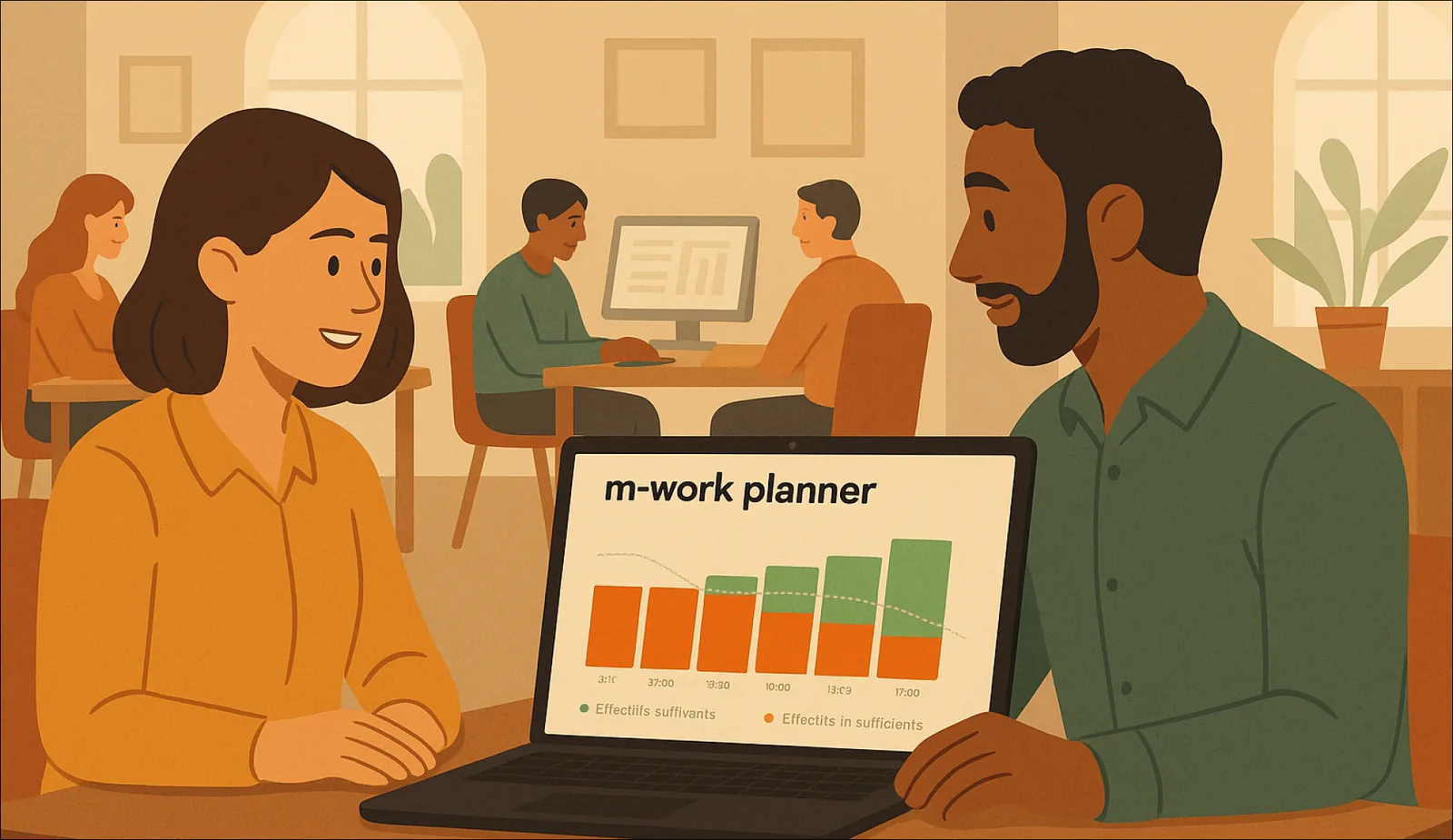
Scheduling software does more than format the schedule: it starts from demand. m-work Planner, for example, forecasts demand from your historical data, calculates how many people you need per time slot, then generates a schedule that follows your rules, your skills mix and fairness between employees. Employees can check the schedule on mobile, it adjusts in real time when something unexpected happens, and it connects to your HRIS as well as your customer service tools.
Free scheduling tools are a good starting point to organize a small team and get past the blank page. They reach their limits when you need to decide how many people to staff, coordinate several sites or absorb fluctuating demand. Start with our free schedule generator to create a first schedule. When complexity calls for more, discover m-work Planner scheduling software or see how to move from Excel to a dedicated scheduling tool.
FAQ
Is there truly free scheduling software?
Yes, in several forms: spreadsheets such as Excel or Google Sheets, downloadable schedule templates, online schedule generators and the free plans of some scheduling tools. Free plans are usually capped on users, sites or features. They suit small teams with steady demand.
What are the limits of free scheduling software?
Free tools help you build and share a schedule, but they do not forecast demand or calculate how many people you need per time slot. Rules (rest periods, part-time contracts, fairness) are still checked by hand, and managing several sites means juggling several files. These limits start to matter as soon as demand varies or the team grows.
When should you switch from a free schedule to paid software?
When scheduling takes more than two hours a week, when demand swings sharply from one time slot to the next, when you manage multiple sites, channels or skills, or when understaffing keeps happening. Once two or three of these signs apply, the hidden cost of free software, in management time and poorly placed hours, often exceeds the cost of a license.
Is Excel good free employee scheduling software?
Excel works for a small team on a single site with stable hours. It is very flexible on layout, but everything stays manual: hour totals, rule checks, updates and sharing. It becomes fragile when several people edit the file or when the schedule has to follow variable demand.
How can I create a team schedule online for free?
An online schedule generator lets you create a schedule with nothing to install: you enter your teams, employees, working hours and activities, then build the week and export the result. m-work offers a free schedule generator that works this way, so you can get a first staff schedule in a few minutes.