
Genesys Cloud CX includes workforce management (WFM) as part of its workforce engagement module, WEM, which is included from the CX 3 edition. m-work Planner is a standalone WFM built for contact centers: it works with Genesys, Odigo or Diabolocom, forecasts volumes, assigns teams with AI and includes time management, back office and cold flows. We publish Planner; we are a French software publisher, part of the Asys group.
The information on Genesys comes from its website, reviewed in November 2026.
What does WFM do in Genesys Cloud CX?
At Genesys, workforce forecasting and scheduling belong to workforce engagement management (WEM). According to Genesys, forecasting is AI-based and runs continuously, up to two years ahead, with more than 25 machine-learning models. Schedules are generated from the forecast load. Rules cover overtime, time off and shift swaps, and shift offers are handled in the tool.
During the day, supervisors monitor service levels, occupancy and adherence in real time and compare forecast with actuals across channels. Several sites and time zones are managed with management units. Agents view their schedule, request time off or swap a shift in the Genesys Tempo app.
What does Genesys WFM cost?
Genesys publishes its prices. According to its pricing page, WEM is included in Genesys Cloud CX 3 and CX 4, and sold as an option with CX 1 and CX 2. CX 3 is listed at USD 155 per user per month. That price covers the entire contact-center platform, not WFM alone.
What does m-work Planner do?
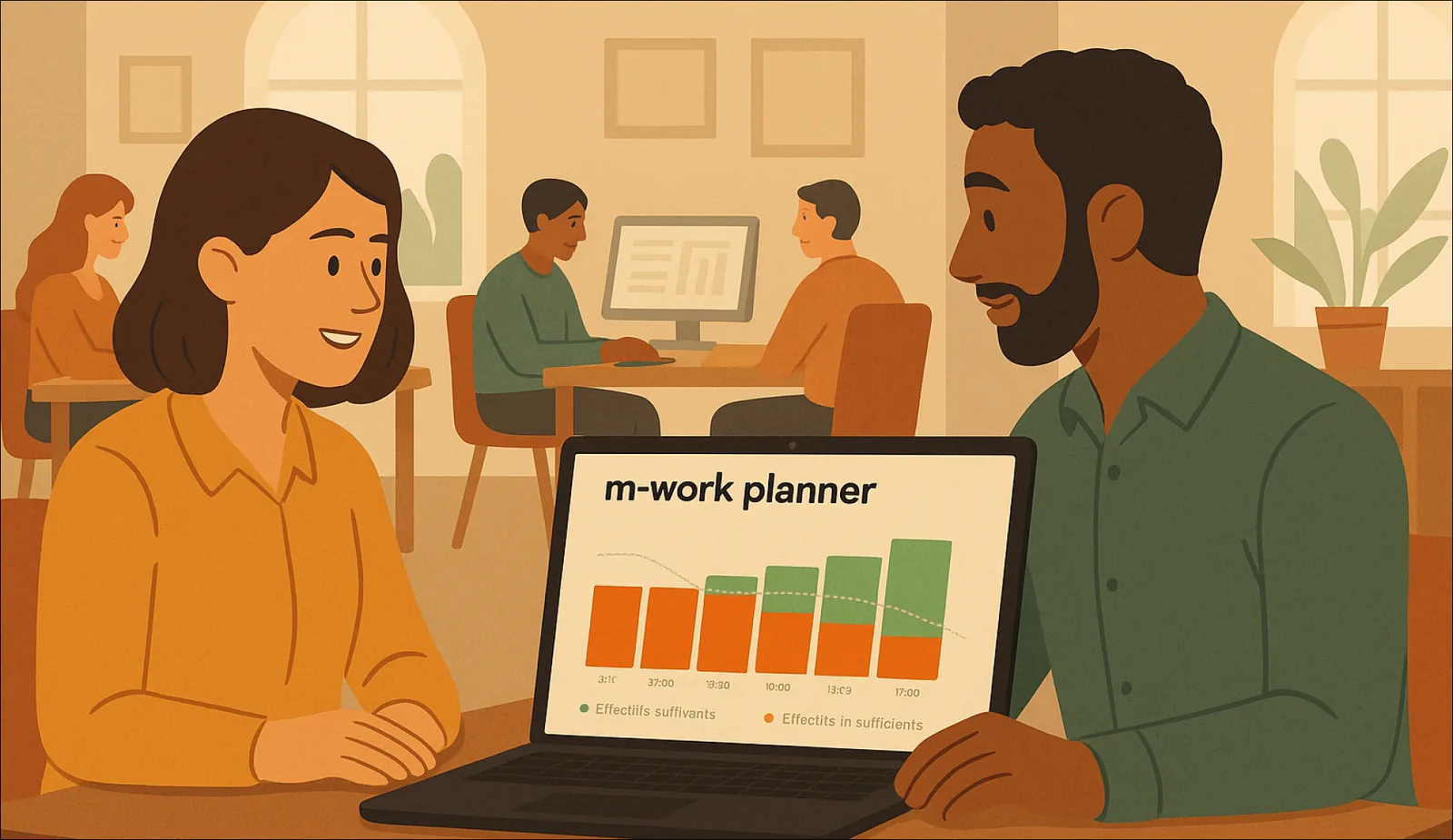
Planner works on its own, whatever telephony platform you use. It forecasts calls and other volumes, calculates the staff needed for each half-hour, then assigns teams according to skills, qualifications, contracts and your HR rules. Back office and cold flows are scheduled in the same tool.
Time management is included. Employees check their schedule on their phone, and the schedule updates in real time with notifications for every change. Data is hosted in France, on Microsoft Azure. On average, our customers save 30% of scheduling time and cut errors by 87%.
How do AI and the interface help?
AI forecasting is part of the Planner Pro offer. Assignment is automatic and follows your rules, so a full schedule is ready in a few minutes and can be adjusted afterwards. We designed the interface to be easy to read and quick to learn, and we aim for fewer unproductive hours and a fairer shift distribution.
Which tools does Planner connect to?
Planner connects to Genesys, Odigo, Diabolocom and your HRIS, and to Zendesk, Salesforce and Verint to retrieve call and request histories. It offers an open REST API (OpenAPI), webhooks, SSO (SAML 2, OAuth, OIDC), SCIM provisioning through Entra ID, and sync with Teams, Outlook and Google calendars. SSO and the OpenAPI API are included in the Planner offer.
What we see when customers move over
What comes up most often after a move to Planner: a schedule that can be adjusted during the day without being rebuilt, and planners who spend less time on it. The AI prepares the workload forecast and a first assignment proposal, which the team approves or changes. Managers get more time to run the floor.
How do Genesys WFM and m-work Planner compare?
The Genesys column reflects what Genesys publishes on its website. It is not a product test.
| Criterion | Genesys Cloud CX (WFM) | m-work Planner |
|---|---|---|
| Positioning | WFM component of the Genesys Cloud CX platform | WFM for contact centers, independent of the platform, which also schedules back office and cold flows |
| Ease of use | Genesys Tempo app for agents | Readable interface, quick to pick up, employee space on mobile |
| AI | AI forecasting, up to two years ahead, more than 25 models, according to Genesys | AI forecasting (Planner Pro), automatic team assignment, schedules generated in a few minutes |
| Teams covered | Contact-center teams on Genesys Cloud | Contact centers (on Genesys or another platform) and back office |
| Forecasting | AI, up to two years ahead, more than 25 models | Forecast of calls and other volumes, with a predictive AI algorithm (Planner Pro) |
| Schedules | Generated from the forecast load, with rules, automations and shift offers | Assignment based on skills, qualifications, contracts and HR rules |
| Real time | Service levels, occupancy and adherence | Schedule updates and change notifications |
| Multiple sites | Yes, with management units | Yes, with rules specific to each site |
| Agent space | Genesys Tempo app | Employee space available on mobile |
| Contact-center platforms | Genesys Cloud | Genesys, Odigo, Diabolocom, Zendesk, Salesforce, Verint |
| Hosting | Cloud (SaaS) | Microsoft Azure, in France |
| Pricing | Published: WEM included from CX 3, listed at USD 155 per user per month | On request |
Who is Genesys WFM for?
Genesys WFM is aimed at contact-center teams that already run on Genesys Cloud and want forecasting and scheduling inside the same platform. Its pricing is published, which makes budgeting easier.
When does m-work Planner make sense?
Planner suits contact centers that want their scheduling to stay independent of their telephony platform, that also need to schedule back office and cold flows, or that want data hosted in France. If you also manage remote work and on-site presence, we also offer Flex.
How do you migrate from Genesys WFM to Planner?
We import your teams, skills and volume history, then connect Planner to your ACD and to your HRIS. Both tools can run in parallel while you check schedules and adjust rules. We train your teams and provide support by chat and phone.
Frequently asked questions
Does Genesys have a WFM module?
Yes. Workforce forecasting and scheduling are part of Genesys Cloud CX workforce engagement management (WEM). According to Genesys pricing, WEM is included in CX 3 and CX 4 and offered as an option in CX 1 and CX 2.
How much does Genesys WFM cost?
Genesys publishes its prices. CX 3, which includes WEM, is listed at USD 155 per user per month, and that price covers the whole contact-center platform, not WFM alone.
Is m-work Planner a WFM tool for contact centers?
Yes. Planner is built for contact centers and does not depend on a particular platform. It forecasts calls and other volumes, calculates staffing by interval, assigns teams and includes time management. It also schedules back office and cold flows.
Can Planner be used with Genesys Cloud?
Yes. Planner connects to Genesys, and also to Odigo, Diabolocom, Zendesk, Salesforce and Verint. It connects to your HRIS through an open REST API (OpenAPI) and webhooks.
Does Planner work if we do not use Genesys?
Yes. Planner is independent of the telephony platform, which matters if you change platform or run several.
Where is data hosted with Planner?
In France, on Microsoft Azure. Genesys describes its WFM as part of its cloud (SaaS) platform.
Can Planner schedule back office?
Yes. Assignment covers back office and cold flows as well as calls, in the same schedule.
How do you migrate from Genesys WFM to Planner?
We import your teams, skills and volume history, connect Planner to your ACD and HRIS, and run both tools in parallel while you check schedules. We train your teams and provide support by chat and phone.
Method and sources
Information on Genesys comes from its public website, reviewed on 25 November 2026. It is reported as “according to Genesys” and may change: Genesys documentation is authoritative. Information on Planner comes from m-work. Genesys and Genesys Cloud CX are trademarks of Genesys.
- Genesys, Workforce forecasting and scheduling page (EN)
- Genesys, workforce forecasting and scheduling page (FR)
- Genesys, Genesys Cloud CX pricing page
See also: call center scheduling software